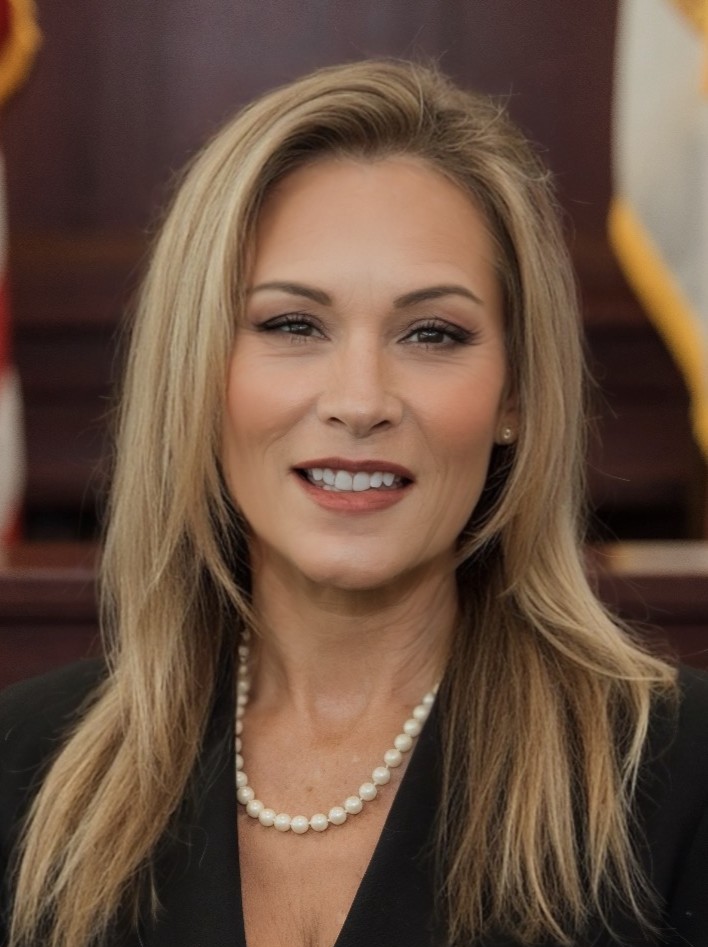

Communications with the Judicial Office
- Method of Communication: All communications to the judicial office must be submitted by e-mail to reillyj@clayclerk.com. The subject line must contain the case number, case name, and relevant matter (e.g., 2024 DR 001234 SC – Doe v. Doe – 2-Hour Hearing Requested.)
- Ex parte Communications: All communications with the judicial office must comply with Canon 3 of the Code of Judicial Conduct, which prohibits a judge from initiating, permitting, or considering ex parte communications and from considering other communications outside the presence of the parties concerning a pending or impending proceeding, unless authorized by law. All parties must be copied on any e-mail directed to the judicial office, unless an ex parte communication is authorized by law.
- Unsolicited Communications: Unsolicited communications from non-parties will not be considered by the Court. Parties may only contact the judicial office in accordance with these practices and procedures.
- E-Filing Portal Contact Information: All attorneys and self-represented litigants must provide an e-mail address to receive signed orders electronically, unless excused. Fla. R. Gen. Prac. & Jud. Admin. 2.516. It is the responsibility of attorneys and self-represented litigants to update their contact information using Form 2.603 any time there is a change in the e-mail account registered for electronic service.
- Response to Inquiries: Response time to email inquiries will be within forty-eight hours unless the judicial assistant is out of the office. The judicial assistant is not authorized to provide legal advice.
Scheduling Procedures
- Scheduling Hearings: Hearings must be requested by e-mail to reillyj@clayclerk.com. The scheduling party should e-mail the judicial assistant, copying opposing counsel and any self-represented litigant, to coordinate the scheduling of the hearing. Motions must be docketed prior to requesting hearing date. Hearings over one hour require a motion to set. Potential dates will be provided for you to coordinate with opposing counsel. Please coordinate amongst yourselves and provide your final agreed upon date to the JA. Prospective dates are not held or guaranteed until a confirmation email is received. Once a date is agreed upon, the JA will coordinate your hearing and provide the Zoom link (if applicable) at which time counsel may prepare a notice of hearing.
- Notice of Hearing: A notice of hearing must be filed and served immediately after reserving and receiving confirmation of a hearing time. A notice of hearing involving any remote appearance must list the judicial Zoom credentials. All notices of hearing must contain the ADA notification required by Florida Rule of General Practice and Judicial Administration 2.540.
- Submission Deadlines: Unless otherwise ordered, the Court must receive all materials for the hearing no later than five business days before the hearing.
- Order of Proceedings: Matters will be heard in the order they appear on the docket.
- Continuance Procedure: Continuances are disfavored and will be granted only upon good cause shown. A request for continuance must be submitted at least five days prior to the scheduled court date. Except for good cause shown, the motion must be signed by the party requesting the continuance, as required by Florida Rule of General Practice and Judicial Administration 2.545(e).
- Cancelling Hearings: You must cancel hearings by notifying the judicial assistant immediately. You must also immediately file and serve a notice of cancellation on opposing counsel and any self-represented litigant.
Remote Appearance
- Remote Appearance Procedure: The Court maintains a hybrid virtual courtroom for Civil cases, allowing parties to appear either in person or remotely, as provided by Florida Rule of General Practice and Judicial Administration 2.530. Requests to use communication technology for an appearance must be made by motion.
- Platform Used: The Court uses Zoom for remote appearances.
- Platform Meeting ID#: Contact the judicial assistant to obtain the platform meeting ID#. The zoom ID# is subject to change, depending on where the hearing is taking place.
- Requirements: In all cases requesting remote appearances, the party must submit a proper motion and gain authorization from the Court.
Submission of Orders and Judgments
- Format: All proposed orders must be submitted in PDF if filed via the e-portal; or Word format if emailed to the JA. All proposed orders must be accompanied by a cover letter either (1) certifying that all parties agree to the order or (2) containing a statement identifying any disagreement of the parties as to the proposed order.
- Submission Method: E-Filing Portal. However, if there is an issue or the e-portal is down, counsel may email the JA.
- Deadline for Submissions: Proposed orders must be submitted within 30 days after any hearing.
Courtesy Copies of Case Law and Other Documents
- When Required: Courtesy copies of case law or other specified document must be submitted to the Court for any evidentiary proceeding.
- Format: PDF format or Word document.
- Submission Method: e-mail or U.S. mail.
- Deadline for Submissions: Courtesy copies must be delivered to the Court no later than two days before any evidentiary proceeding.
Emergency and Other Urgent Matters
- Requirements: If a party believes there is a factual basis for setting an emergency hearing, a detailed motion setting forth the following must be filed: (1) the issues to be resolved, (2) reasons why an emergency hearing is necessary, and (3) the amount of time needed for each party’s presentation.
- Scheduling: If the Court determines that an emergency exists, a hearing will be scheduled unilaterally by the Court. All parties shall make themselves available for the emergency hearing, barring exigent circumstances.
- Other Procedures Relating to Emergency and Other Urgent Matters: When requesting an emergency hearing, the parties shall inform the Court on how long the hearing shall take to ensure proper time is allotted.
Exhibits for Evidentiary Proceedings
- Submission Method: All exhibits and case law shall be submitted five days prior to the hearing. All materials may be emailed to the Court’s Judicial Assistant at reillyj@clayclerk.com
- Format: Exhibits must be submitted to the clerk of court in paper format. All attorneys and self-represented litigants must bring sufficient copies of each exhibit for the clerk, the Court, and each party to review during the hearing or trial. Exhibits must be labeled in the following format: ‘Petitioner/Plaintiff 1’ or ‘Respondent/Defendant A.
- Deadline for Submissions: All exhibits must be received in chambers five days before the evidentiary proceeding.
Pretrial Procedures and Conferences
- Case Management Conference: Any party may request a case management conference (CMC) when a case requires. The Court strongly encourages the early use of CMC in more complex cases, multiple-party litigation, or any case that might benefit from Court intervention. Unless excused by the Court in advance, all CMCs are mandatory for attorneys and self-represented litigants. Parties represented by counsel are not required to appear at a CMC.
- Status Conference: Any party may request a status conference when a case requires.
- Requirements: Any request for a CMC or status conference must articulate the reasons for the necessity of the conference.
- Scheduling: If the Court agrees that a CMC or status conference is required, the moving party may schedule the CMC or status conference through the online scheduling platform.
- Other Procedures Relating to Pretrial Procedures and Conferences: The Court will also set Case Management Conferences or Status Conferences on its own and will provide adequate time for the parties to prepare.
Setting Case for Trial
- Procedure: File a notice for trial to set or Motion to Set the case for trial.
- Notice Period: The Court does not set date-certain trials. After the pre-trial conference, the Court will assign cases to specific days during the trial period and may assign back-up cases. Attorneys, self-represented litigants, parties, and witnesses are expected to be available during the entire trial period.
Forms and Documents
- Judge Merritt Judicial Practices and Procedures
- More information coming soon.
Other Division Procedures
- ADA Accommodations: If you need an ADA accommodation, please contact (904)255-1695 or crtintrp@coj.net .
- Interpreter Requests: If an interpreter is needed for a hearing or trial, please contact the JA. If the party requiring interpreter services has a private attorney, counsel will be responsible for acquiring an interpreter.
Contact
Jeannie Reilly, Judicial Assistant for the Honorable Judge Melissa Merritt
Mailing Address: P.O. Drawer 1018, Green Cove Springs, FL 32043
Physical Address:825 N. Orange Ave., Green Cove Springs, FL 32043
Telephone: 904-269-6302
E-mail: reillyj@clayclerk.com