
Skip to content
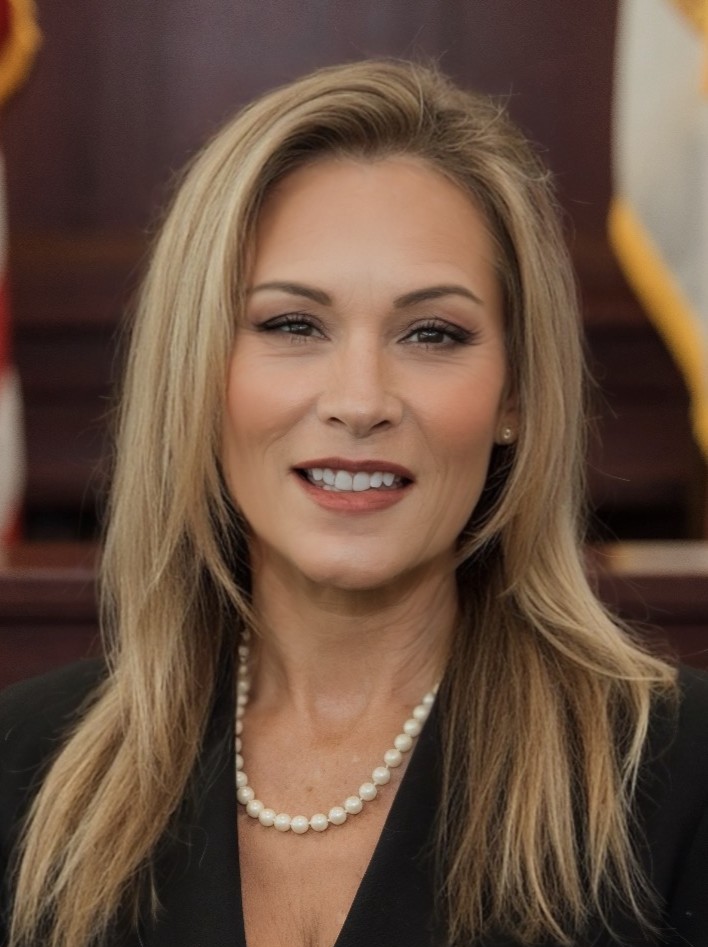
Tara S. Gree, Clerk of Court and Comptroller of Clay County, FL
Clerk of Court and Comptroller of Clay County, FL Clerk of Court and Comptroller of Clay County, FL
Search
MENU
How Do I

E-Notify

Thank you for your interest in the E-Notify Alert System.

E-notify logo

A brief instructional video is now available that walks users through the E-Notify registration process.

Click here to view this helpful video on how e-Notify works.

To register, first review all the information below and then follow the e-Notify link to begin: enotify.flcourts.org

The intent of the e-Notify system is to keep defendants, and any other interested parties, informed about upcoming court events.

  1. E-Notify system case types do not include juvenile criminal cases or misdemeanor traffic cases. Only adult criminal traffic, adult misdemeanors and adult felony cases are eligible.
  2. In order to locate the case you want to track, you must enter the full 6 numbers in the case number, i.e., 2019CT000123.  Do not leave out the zeros.
  3. E-Notify alerts serve only as reminders and are not intended to be an official notification or to replace any other Clerk of Court notification practices currently utilized.  All official scheduling will continue to occur through our normal business processes.
  4. Should a citizen have any questions or concerns about this new system, Criminal Department Manager Stephanie Wright is the point of contact and is prepared to assist as our designated e-Notify system administrator. Call (904) 269-6302.

close

Clay County Clerk of Courts Logo

Statewide Case Access for Florida Bar Attorneys Announced

Great news!  The Florida Courts E-Filing Authority, in partnership with Florida Court Clerks & Comptrollers, just launched an optional subscription service called CaseAccess.  Available through the E-Filing Portal, legal professionals can search case information from all 67 Florida counties on one platform.  To subscribe, attorneys should visit the Florida Courts E-Filing Authority homepage and select the “Enter the Portal” button. Sign in to your active E-Filing Portal account, then select CaseAccess Subscription from the command ribbon to manage your subscription settings.  If you do not already have an account, you must create one before subscribing.  ***CaseAccess is a research tool and is not the official court record.  Attorneys should continue to consult the appropriate Clerk of Court for the official and most current record, document, or case status. You’ll find a useful link here to use once you’ve subscribed: Search Records & Reports.  Look for the link titled Court Records Subscription Access – Attorneys Only.  Thank you.